Just checking this hasn’t been forgotten.
Thanks for your patience with my response, I accidentally responded with another account which made me not get notified about your response (thanks @turbomkt for bringing it to my attention!).
I’m checking about the license type and will keep you posted.
Hey, I consulted with legal and they said that it may be better not to include Wikipedia badges in our forum, since if Wikipedia are as serious as you mentioned about their badges, they’re likely to reach out to us to ask to remove them.
Does that make sense or did we get our wires crossed (who’s badges placed where, etc)?
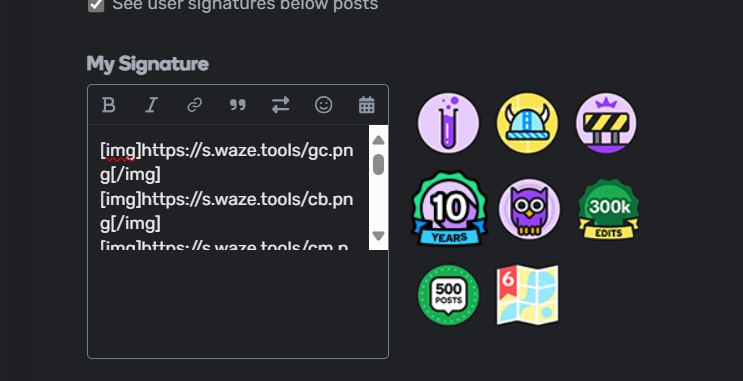
Is it possible to add a badge in the signature field on Discuss?
Sure, you just have to enter here and at the end the cloud appears to write/upload images.
I don’t see this option. Maybe I don’t have permissions?
I’m trying do this from mobile, maybe that’s why I have a problem. 
Yeah, I don’t think the tab/option is visible on mobile.
I didn’t see it even on desktop.
Discuss is something new for me.
You can’t get to it from the link posted above? If not, do you get an error message or ‘forbidden’ type message?
I have access to signature in profile’s settings but I can’t add graphic files in signature.
I can add link, emoji, date etc.
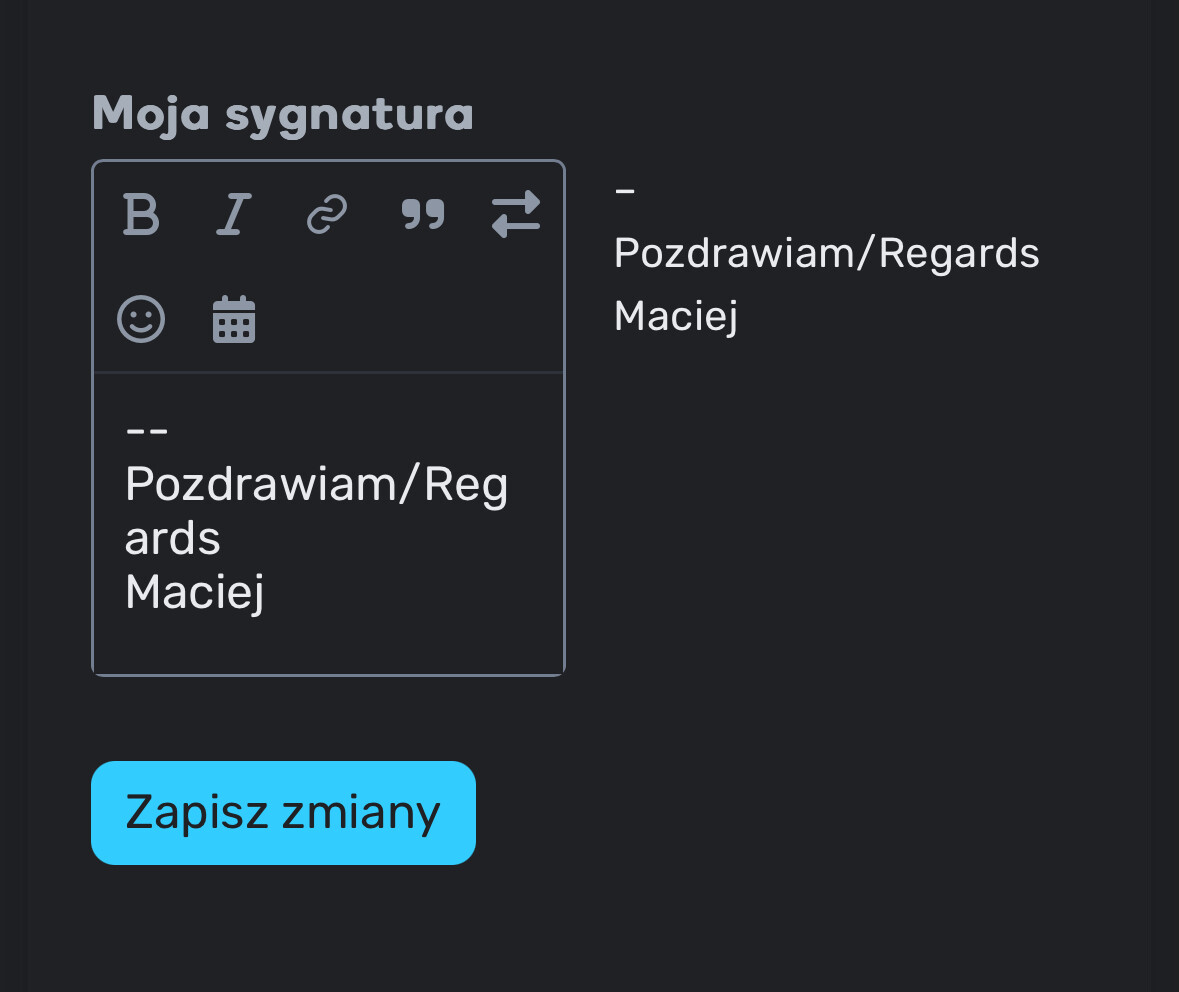
I see the same on mobile. What about on a desktop browser?
This same options. I don’t see add a picture.
I use macOS and Safari but I think it isn’t a problem.
It looks the same for me. No way to add images.
You need to use Imgur or something that provides a link and use BBcode to add an image.
2 Likes
Thank you very much.
2 Likes
Guys, thanks a lot.
This is exactly the information I was looking for.
After the release on the new platform, I have found that it also accepts screenshots generated by the Windows application “Snipping”. You just have to capture a region [a tip, press simultaneously Shif+Windows+s] or a full capture and in the comment cloud ctl+v. It also allows you to change the name…
Pd: Discuss will automatically upload (at least on desktop) an image if pasted from the clipboard.
1 Like
I know it works it a thread text, but it doesn’t seem to work in the signature field for me.