We’re happy to share that we’re adding the Report a map issue flow to the general Report an Issue (Support) form! Why?
Many Wazers mistakenly use the general Support form when they encounter map issues.
Now, one of the options on the Support form, will launch the Report a map issue flow:
Thanks to this new flow, Wazers can easily pin-point the location of the map issue, after they finish their drive.
Important notes:
URs submitted through this form should be identical as URs originating from the Reports button on the map.
You’ll be able to communicate with the Wazer who submitted the UR as you normally do.
You won’t see the Wazer’s route, since the Wazer didn’t submit the issue as a part of their navigation
In the future, we plan to add a filter for the source of the UR - Map screen / Support form
Will this create an influx of URs?
It’s not expected, no.
A few hundreds of URs were mistakenly submitted through the Support form every week, globally. These will now go straight to WME.
This change is planned to go live today, Tuesday, March 28th.
Tell us what you think about it!
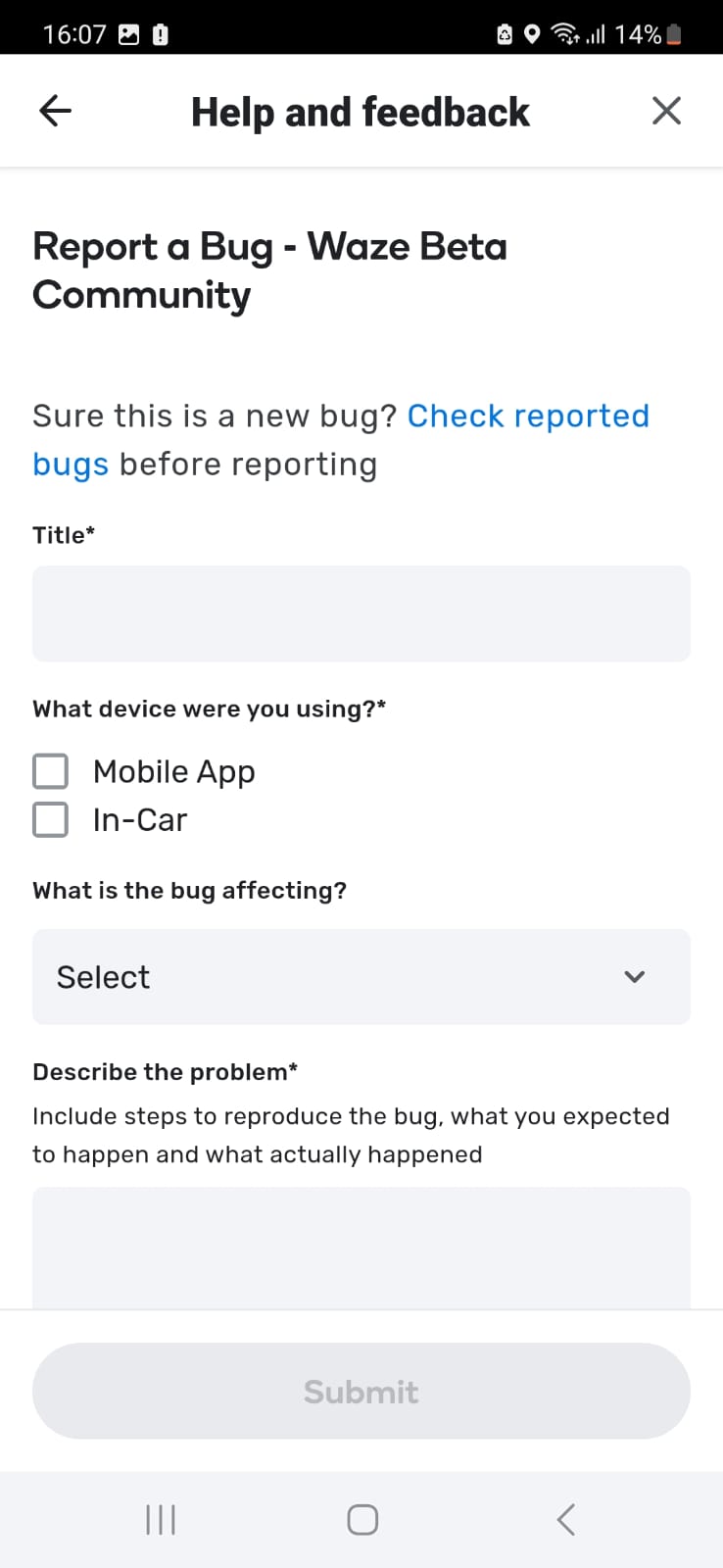
*If you’re a member of the Beta community and looking to test this new flow, we’ll remind you that Beta members get a different, Beta form, through the Report an Issue form
Thanks and have a great day,
Anat and Nicole, on behalf of the team.
As far as I remember, it was planned to remove the “General map issue” option from the dropdown list, as it confuses the editors and doesn’t make sense.
Please elaborate on how to get to the “report an issue” form (step by step). I had to guess it.
Is it available for any user? or just beta users?
Also, please let us know where we can give feedback on this new feature.
Can I ask, where did the UR type Missing Roundabout come from? I’ve seen it pop up here and there in some screenshots lately, but have never actually seen it in the app myself…
IMO this is still not clear to everyone. I’ll try to help. These are the steps to follow in order to get to the form:
A. First of all, one has to get to this page. In order to achieve that, do the following depending on where you start:
From Waze site, Live map, or the forum:
1.1 click on your user icon
1.2 click on "Support"you’ll get to the support page. After that, click on “Waze”, and you’ll end up on this page.
From the WME:
2.1 click on your icon
2.2 Click on Support, and then you may get to this page. Then click on “Help Center” on the top.
You’ll get to this page as above.
B. Click on “Troubleshooting & Support”,
C. Click on “Contact Support”
D. Click on “Choose an issue”
E. Choose “Report a map issue”.
If there is a better way to get to the form, please explain it.
we have 2 ways to get there from the Waze Help Center and from the app, we do believe most of the users will use it form the app (my explanation was from the app) but thanks for adding the help center explanation
The image posted in the original announcement is from the help center and not from the app. This is why I didn’t think about the app. The app has a completely different form to be filled. There is no such thing as “Report a map issue” or “incorrect turn” for example. The app flow should be explained in more details as well.
There is the report an issue with the exact the same form (click in the 3 lines in the left side of the app - click on help and feedback - click o report an issue) hope it was more clear now.
Maybe there are 2 different versions?
Edited: I guess that all users which belong to the beta community (even if they have the production version), get the above screen, and as a consequence, they cannot submit URs through the “Report an issue” in the app (and thus cannot test it).